
Save the videos
you love.
The cleanest way to save short-form videos to your iPhone Photos library. No watermark. No ads. No nonsense.
Free to use · Premium from RM3.90 / $0.99 a month
The cleanest way to save short-form videos to your iPhone Photos library. No watermark. No ads. No nonsense.
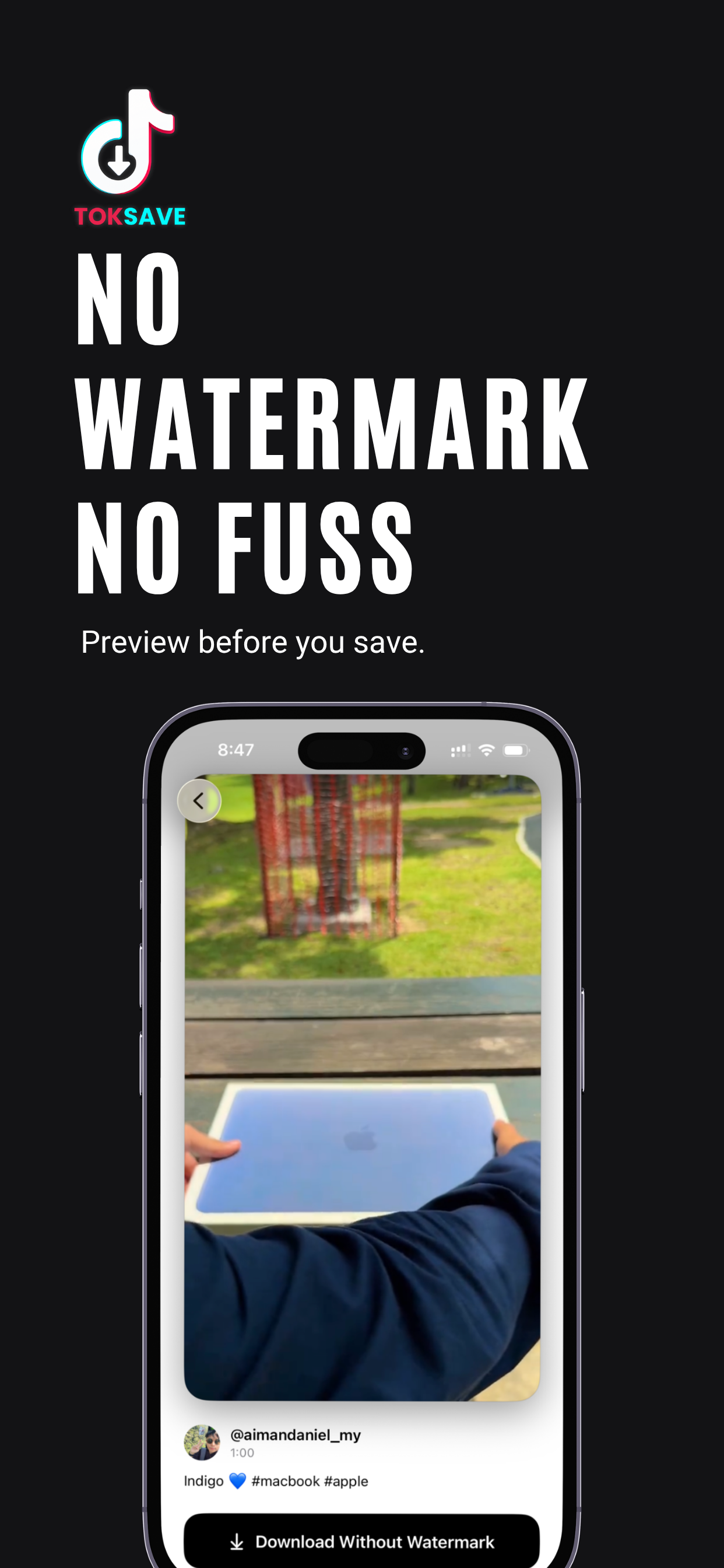
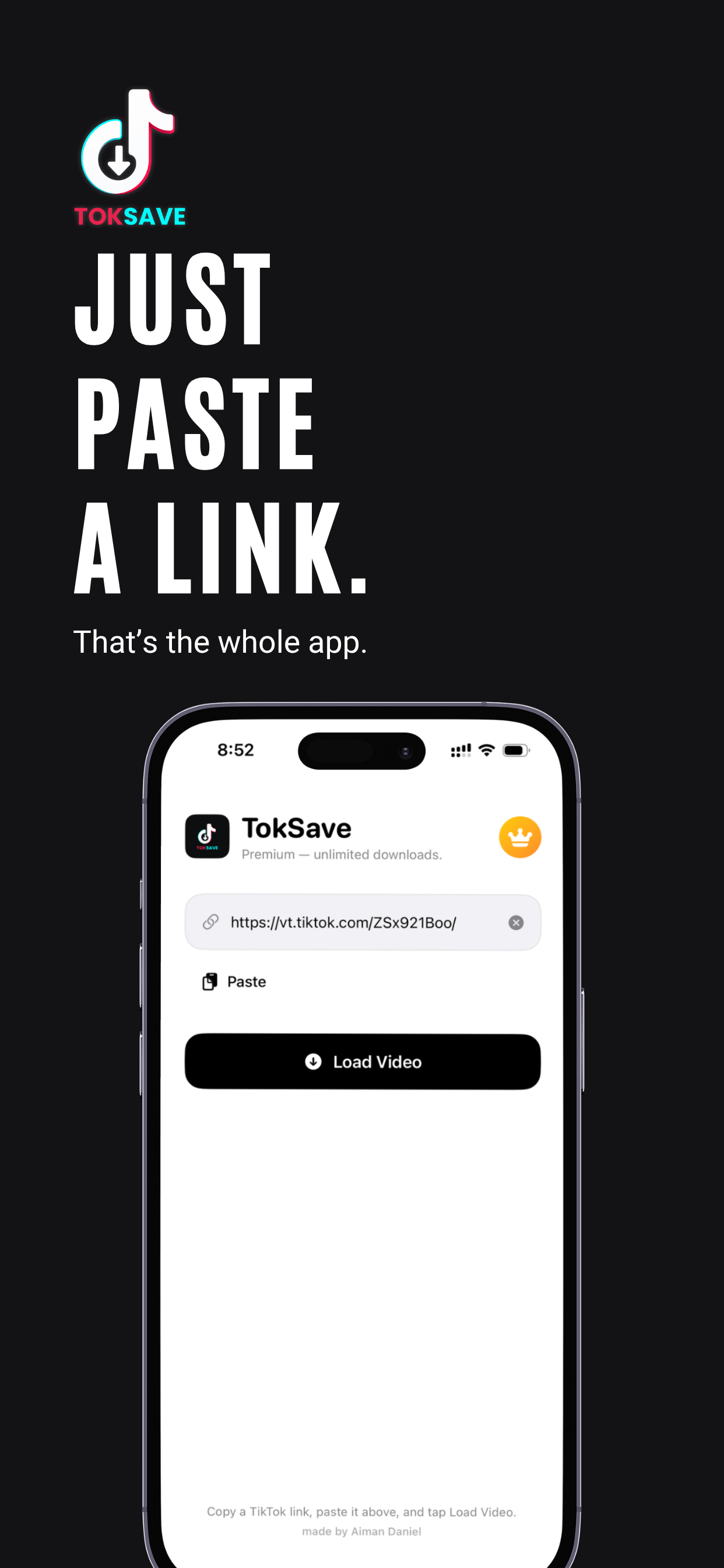
Most video savers are bloated with ads, paywalls, and pop-ups. TokSave is the opposite — minimal, fast, and private.
Pristine, full-quality MP4 files saved straight to your Photos library.
Paste, preview, save — usually in under three seconds. No queues, no waiting.
No analytics. No tracking SDKs. No accounts unless you choose to subscribe.
Built with SwiftUI. Light and dark mode. Looks like an app Apple would ship.
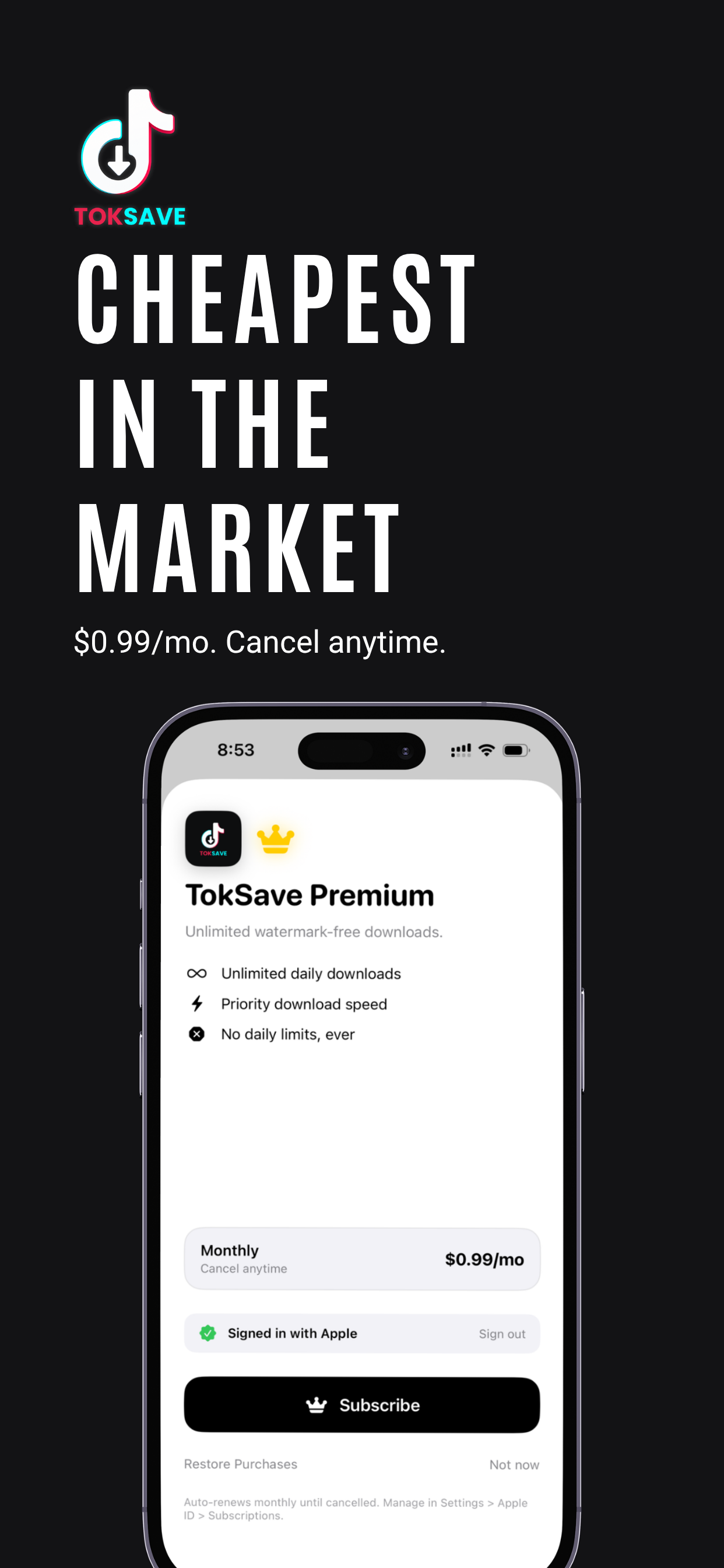
Free tier: 3 saves a day. Premium: unlimited. Cancel anytime in Settings.
Most video savers charge $5–$10 a month, or trap you in 7-day trials that auto-charge $29 a year. TokSave is a flat $0.99/mo — and most of what you need is free.
No sign-in. No card needed.
Just install and paste a link. That's it.
For anyone who downloads more than 3 a day.
Auto-renews monthly until cancelled. Manage in Settings → Apple ID → Subscriptions. By subscribing you agree to the Terms of Use and Privacy Policy.
Yes. Anyone can save up to 3 videos per day for free, with full access to every feature. Premium unlocks unlimited daily saves for a small monthly fee.
No. The free tier works without any sign-in. You only need to sign in with Apple if you choose to subscribe to Premium.
TokSave is a personal utility for saving content you have permission to download — your own posts, public-domain clips, or videos shared with permission. Please respect original creators' rights at all times.
Straight into your iPhone's Photos library, in full quality, ready to share or watch offline.
No. There are no analytics SDKs, no advertising trackers, and no third-party services running in the background. Read the full Privacy Policy.
On your iPhone: Settings → [Your Name] → Subscriptions → TokSave Premium → Cancel Subscription. Apple processes all subscription billing, so cancellation is instant.